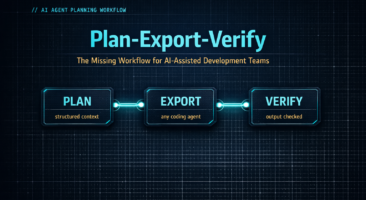



Plan-Export-Verify: The Missing Workflow for AI-Assisted Development Teams


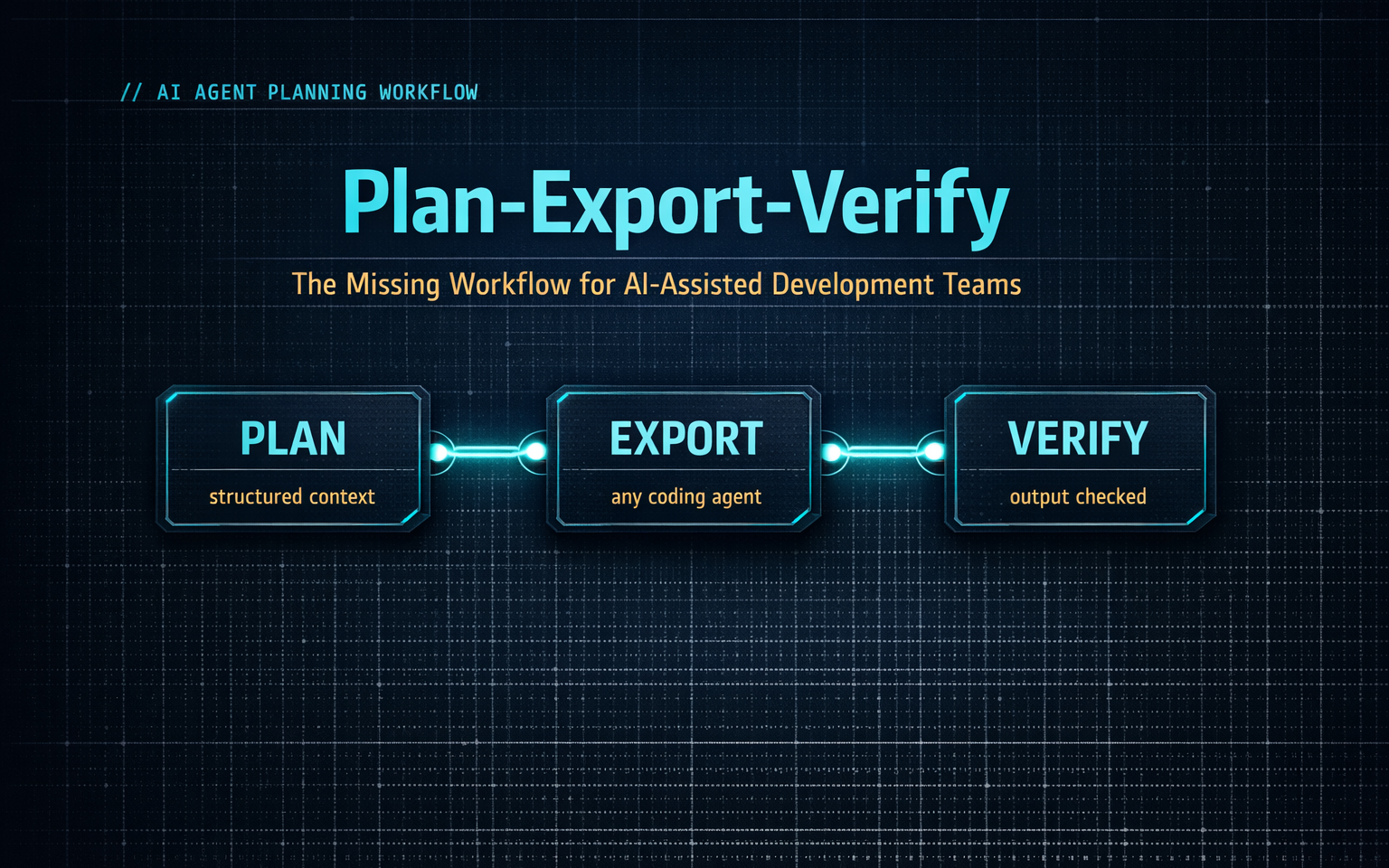
The AI agent planning workflow that separates high-performing development teams from frustrated ones has nothing to do with which model you’re using. It’s not about better prompts, faster inference, or the latest agent release. It’s about what happens — or more often, what doesn’t happen — before your agent writes a single line of code.
The most productive AI-assisted development teams all do something that 80% of teams skip entirely.
It’s not a new tool. It’s not a better model. It’s not a more sophisticated prompt.
It’s a workflow.
Specifically, a three-phase workflow that sits around the coding agent rather than inside it. A workflow that treats AI execution as exactly one step in a larger process — not the whole process. Teams who operate this way report dramatically fewer failed tasks, far less rework, and something that initially seems counterintuitive: they actually ship faster, even though they’re spending more time before and after the agent runs.
The workflow is called Plan-Export-Verify. This article breaks down each phase, explains the mechanics, and gives you a practical framework you can start applying to your team’s AI-assisted development today.
Why Most Teams Are Flying Blind
Before getting into the workflow, it’s worth understanding the failure mode it’s designed to solve.
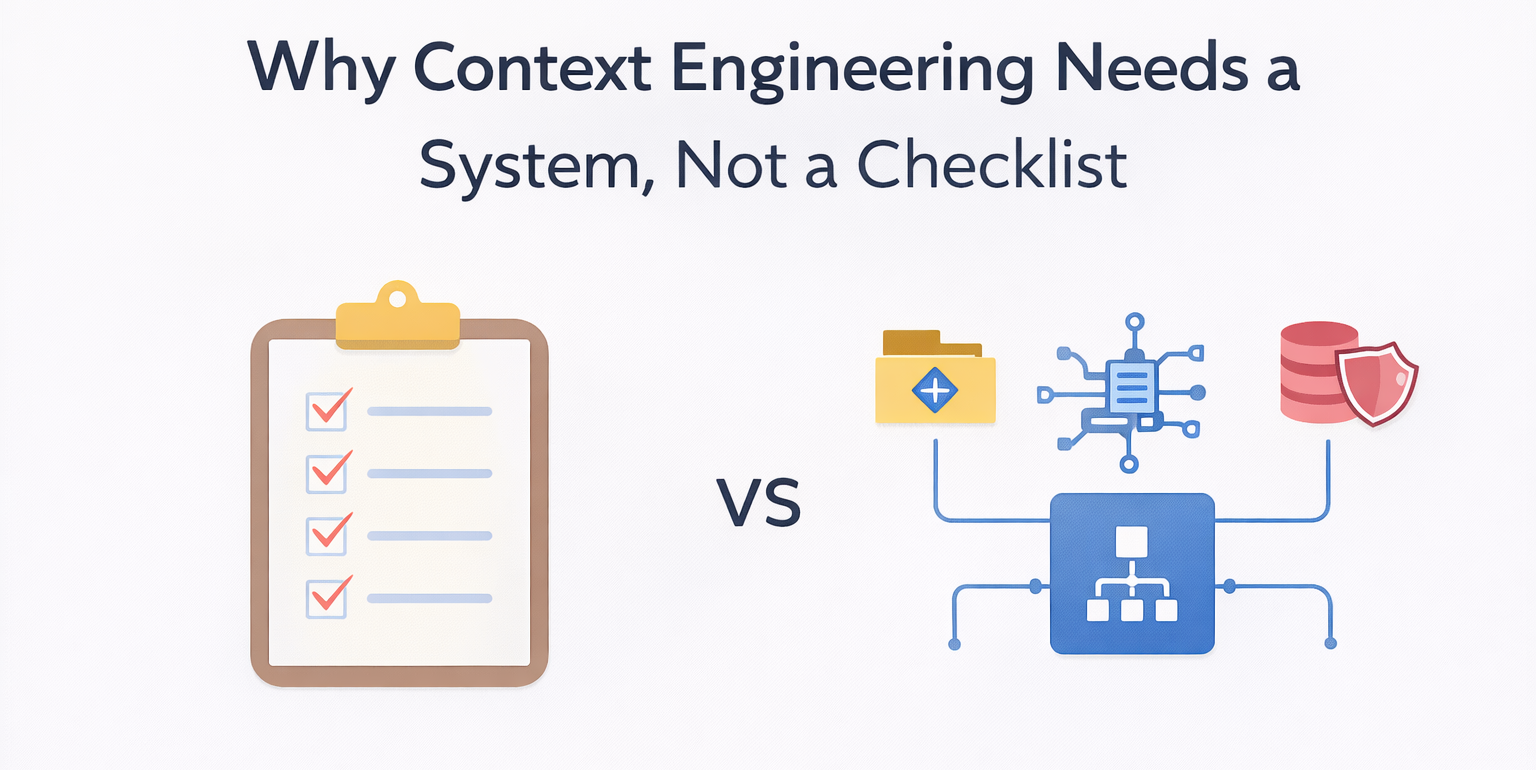
Most teams adopted AI coding agents the same way they adopted every other developer tool: informally, developer by developer, with each person figuring out their own approach. The result is what researchers and practitioners are now calling context fragmentation — a state where:
- Every developer maintains their own private conversation history with their agent
- There’s no shared specification of what should be built before the agent starts
- There’s no systematic check of what was actually built after the agent finishes
- The “plan,” if it exists at all, lives in someone’s head or a rough prompt
This approach works reasonably well for small, self-contained tasks. Add a utility function. Fix an isolated bug. Refactor a single file. But it breaks down at the scale of work that actually matters to engineering teams — multi-file features, cross-service integrations, anything with dependencies, anything with compliance or security implications.
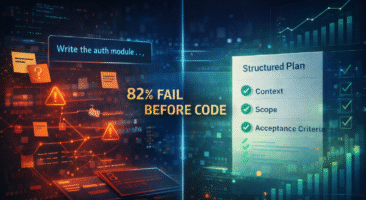
The data on this breakdown is damning. Analysis of AI agent task performance across categories shows success rates of 71% for simple bug fixes, dropping to 34% for feature additions, 28% for refactoring tasks, and 19% for work involving multiple files. For architecture-level tasks, first-attempt success rates fall to 12%.
The common thread in failed tasks isn’t model quality. The models are genuinely capable. The thread is the absence of structured planning before execution and systematic verification after it.
Introducing Plan-Export-Verify
Plan-Export-Verify is a workflow framework for AI-assisted development that structures the work happening before and after the agent runs. It treats the AI execution phase as one step in a repeatable, auditable process — not the beginning and end of the work.
The four phases are:
- Plan — Build a structured specification before any code is written
- Export — Package that plan in a format any coding agent can consume
- Execute — Run the agent using your preferred tool
- Verify — Systematically check the output against the plan before code review
The framework is deliberately agent-agnostic. It doesn’t require switching tools or adopting a new coding agent. It works with Cursor, Claude Code, Copilot, or any other execution environment. The value is in the planning and verification layers — the parts that currently have no structure at all in most teams.
Let’s walk through each phase.
Phase 1: Plan
Planning is the phase most teams skip or underinvest in, and it’s where the most expensive mistakes originate.
A good plan for an AI-assisted task isn’t a detailed prompt. It’s a structured specification document that answers the questions an agent needs answered before it can execute accurately. The distinction matters: a prompt is ephemeral and session-specific; a plan is persistent, reviewable, and shareable across team members.
What an effective plan includes:
Task understanding. A clear statement of what needs to be accomplished and why. Not just the technical requirement, but the business context. What problem does this solve? What does success look like from a product perspective?
Context inventory. The specific files, services, patterns, and conventions that are relevant to this task. What existing components should be used rather than recreated? What architectural constraints apply? Which team conventions govern how this type of code should be written?
Approach options. Two or three potential implementation strategies with explicit trade-offs. Forcing this step prevents the agent from defaulting to the first approach it encounters rather than the best one.
Step decomposition. The task broken into ordered, atomic subtasks with explicit dependencies. “Build rate limiting” is not a subtask. “Add rate limit middleware to the auth service router, referencing the existing Redis client in services/cache.js, using the sliding window pattern established in the payments service” is a subtask.
Risk identification. The edge cases, failure modes, and integration points that need explicit handling. These are the things the agent won’t naturally think to address unless they’re in the specification.
Verification criteria. A list of specific, checkable outcomes that define “done” for this task. Not “rate limiting works” — but “rate limiting returns 429 with the correct headers on the sixth request within a 60-second window, the limit resets correctly, and the bypass logic for internal service calls is functional.”
The quality of the plan directly determines the quality of the execution. Research consistently shows that tasks executed against explicit, structured plans achieve first-attempt success rates of 61% — compared to 23% for tasks executed against ad-hoc prompts. That’s not a marginal improvement. That’s a 3.2x difference from the planning step alone.
Practical note on plan length: The goal is precision, not volume. A well-structured plan for a mid-sized feature might be 300-500 words. What matters is that it answers the questions agents fail on — context, constraints, existing patterns, acceptance criteria. A plan that spends two paragraphs on background and two sentences on acceptance criteria is the wrong shape.
Phase 2: Export
Once you have a structured plan, the Export phase packages it in a format that maximizes how effectively a coding agent can consume it.
This sounds trivial. It’s not.
There’s a significant difference between handing an agent a free-form description and handing it a structured specification with metadata. The structured format creates a clear handoff point from human planning to agent execution, ensures nothing is lost in translation, and makes the plan portable — usable by any team member with any agent tool.
What effective export looks like:
Structured markdown with explicit metadata headers is the most universally compatible format. A well-exported plan includes: the task title and one-sentence summary at the top, a labeled context section listing relevant files and patterns, an explicitly labeled constraints section covering what must not be changed or what patterns must be followed, an ordered step list, and a verification section listing specific acceptance criteria.
# Task: Add Rate Limiting to API Endpoints

**Context**: Redis-based rate limiter exists in services/cache.js
**Architectural constraint**: Use sliding window pattern (see payments-service implementation)
**Dependencies**: RateLimiterService, UserAuthMiddleware, existing Redis client
**Must not change**: Auth header format used by mobile clients

## Steps
1. Add rate limit middleware to routes/api.js
2. Configure per-endpoint limits in config/rate-limits.js
3. Implement 429 response with Retry-After header
4. Add bypass logic for internal service-to-service calls

## Verification criteria
- 429 with correct headers on request 6 within 60s
- Correct window reset behavior
- Internal service bypass working
- No changes to auth header format
This format works with any coding agent. It requires no proprietary integration. The agent receives structured context rather than reconstructing context from a conversational prompt.
The team knowledge benefit: When plans are documented and exported as structured specifications, they become team assets rather than individual knowledge. A new team member, a code reviewer, or a second developer picking up a task has immediate access to the original intent — not just the resulting code.
Phase 3: Execute
The Execute phase is where most teams currently live entirely. The workflow’s contribution here is relatively modest: execution with a structured plan is simply more effective than execution without one.
The specific tool doesn’t matter. The plan-export-verify framework is compatible with any coding agent. Teams using Cursor, teams using Claude Code, teams using Copilot, teams that switch between tools depending on task type — the planning and verification phases apply to all of them.
Two practices make execution more effective when paired with structured planning:
Explicit plan injection. Rather than treating the agent interaction as a conversation, treat the export document as the primary input. Start the session by providing the full plan document, then confirm the agent has understood the constraints and steps before it begins executing. This is different from providing a prompt and refining it iteratively.
Session scope management. Break multi-step tasks into defined execution sessions that correspond to the step decomposition in the plan. Running a complex feature in a single long session creates context management challenges even for capable models. Matching session boundaries to plan steps keeps the execution clean and the verification tractable.
Phase 4: Verify
Verification is the most skipped phase in AI-assisted development — and the highest-leverage.
The premise of verification is simple: coding agents consistently overreport completion. Not because they’re unreliable in a general sense, but because their context window has a horizon. The agent knows what it built in the current session, against the prompt it received. It doesn’t have a persistent, structured view of everything the specification required.
The result is a phenomenon worth naming: the completion illusion. The agent reports complete. It’s confident. From its perspective, it’s accurate. But when the output is checked against the original specification, significant portions of the requirement are absent — not broken, simply unimplemented.
This isn’t a theoretical concern. Real verification data from structured AI-assisted builds consistently shows coding agents implementing 30-40% of a specification per “complete” declaration, requiring 5-6 verification-and-fix cycles before full specification coverage is achieved. The individual code the agent writes is often good. The completeness against the full spec is reliably overstated.
What systematic verification looks like:
Verification is not manual QA. It’s a structured check of the output against the plan’s verification criteria — the list of specific, checkable outcomes you defined in the planning phase. This check answers a different question than “does this code work?” It answers “did the agent implement what the specification required?”
A verification pass covers three layers:
Automated checks. Tests pass. Linting clean. Type checking passes. These are table stakes — necessary but not sufficient.
Plan alignment. Did the agent implement every step in the specification? Were the architectural constraints followed? Were existing patterns and services used as specified rather than recreated? Were the edge cases in the risk section handled?
Acceptance criteria. Do the specific, checkable outcomes from the verification section of the plan pass? Each criterion should produce a clear yes or no.
When verification surfaces gaps — and it will — the response depends on the severity:
- Minor gaps: Fix and recheck. The agent addresses specific missing items and verification reruns.
- Drift: The agent implemented something that doesn’t match the specification. Understand why before patching — sometimes the spec needs updating, sometimes the agent needs correction.
- Systematic incompleteness: The agent has implemented a fraction of the requirement. Return to the plan, re-scope the execution, and run another cycle.
The ROI of verification: The cost of catching a missed requirement or an architectural violation in verification — before code review — is a conversation with the agent and a 15-minute fix. The cost of catching it in code review is a back-and-forth cycle. The cost of catching it post-merge is potentially a significant rework. The asymmetry is extreme.
What This Looks Like in Practice
Here’s a concrete example of the workflow applied to a real class of task: adding a new authenticated API endpoint with associated service logic.
Planning phase (15-20 minutes):
The developer creates a plan document covering: what the endpoint needs to do and why, the relevant existing files (auth middleware, existing endpoint patterns, service layer conventions), architectural constraints (which auth patterns must be followed, which response formats are standard), a four-step decomposition (route definition → controller logic → service integration → tests), edge cases (rate limiting, invalid input handling, permission boundary), and five specific acceptance criteria (endpoint returns correct response for valid input, returns 401 without auth, follows existing error format, passes existing auth middleware tests, new unit tests cover the service logic).
Export phase (5 minutes):
The plan is formatted into a structured specification document. Context is labeled explicitly. Constraints are called out. Acceptance criteria are enumerated.
Execute phase:
The agent receives the export document as the session input. It works through the step decomposition. The developer monitors for obvious deviations but doesn’t micromanage each step.
Verify phase (10-15 minutes):
The automated checks run. Then a plan alignment pass: did the agent define the route correctly? Did it use the existing auth middleware or create a new one? Did it follow the response format convention? Did it create tests? Then acceptance criteria: does the endpoint respond correctly to valid and invalid inputs? Does the 401 return as specified?
Total workflow overhead: approximately 30-40 minutes. Tasks executed without this workflow typically require 60-90 minutes of iteration after the agent “completes” the work — debugging unexpected behavior, reconciling the output with the original intent, addressing review feedback from unanticipated gaps.
The planning and verification aren’t adding time to the process. They’re front-loading time that was previously hidden in rework.
Getting Started: An Implementation Path
The full Plan-Export-Verify workflow doesn’t need to be adopted all at once. Here’s a practical sequence for teams starting to introduce structured planning:
Week 1: Introduce verification criteria to existing work. Before your next AI-assisted task, define three to five specific, checkable outcomes before the agent runs. After the agent completes, check each one explicitly. This alone will reveal gaps that were previously invisible.
Week 2: Add structured plans to new features. For any task involving more than two files or more than a few hours of implementation work, write a plan document before touching the agent. Use the six-component structure: task understanding, context inventory, approach options, step decomposition, risk identification, verification criteria.
Week 3: Formalize export formatting. Create a standard template for your team’s plan export documents. Establish the metadata headers that work for your stack and conventions. Make the plan portable so any team member can pick up and continue a task.
Week 4: Establish team review of plans. For higher-stakes work, introduce a lightweight peer review of the plan document before execution begins. This surfaces assumptions and gaps that are cheap to fix in planning and expensive to fix in code.
The Leverage Point
Teams that adopt structured planning and systematic verification don’t just get better output from their coding agents. They get something more valuable: a repeatable, auditable development process that doesn’t depend on any individual developer’s prompting skill or any individual agent’s capabilities.
The best AI-assisted development teams aren’t winning because they found better models or better prompts. They’re winning because they built a process. Plan-Export-Verify is that process — and it’s available to any team, with any tools, starting this week.
What’s Next
Plan-Export-Verify describes the workflow at the methodology level. But there’s a deeper question underneath it: what’s the difference between a plan that produces accurate execution and a plan that doesn’t? The next piece in this series digs into the specific structure of context that makes coding agents succeed or fail — and why most teams are unintentionally starving their agents of exactly what they need.
Brunel Agent is an AI development planning platform that implements the Plan-Export-Verify workflow for engineering teams. If your team is dealing with the planning and verification gap, join the waitlist.